πŸ””Remember All Your Messages!

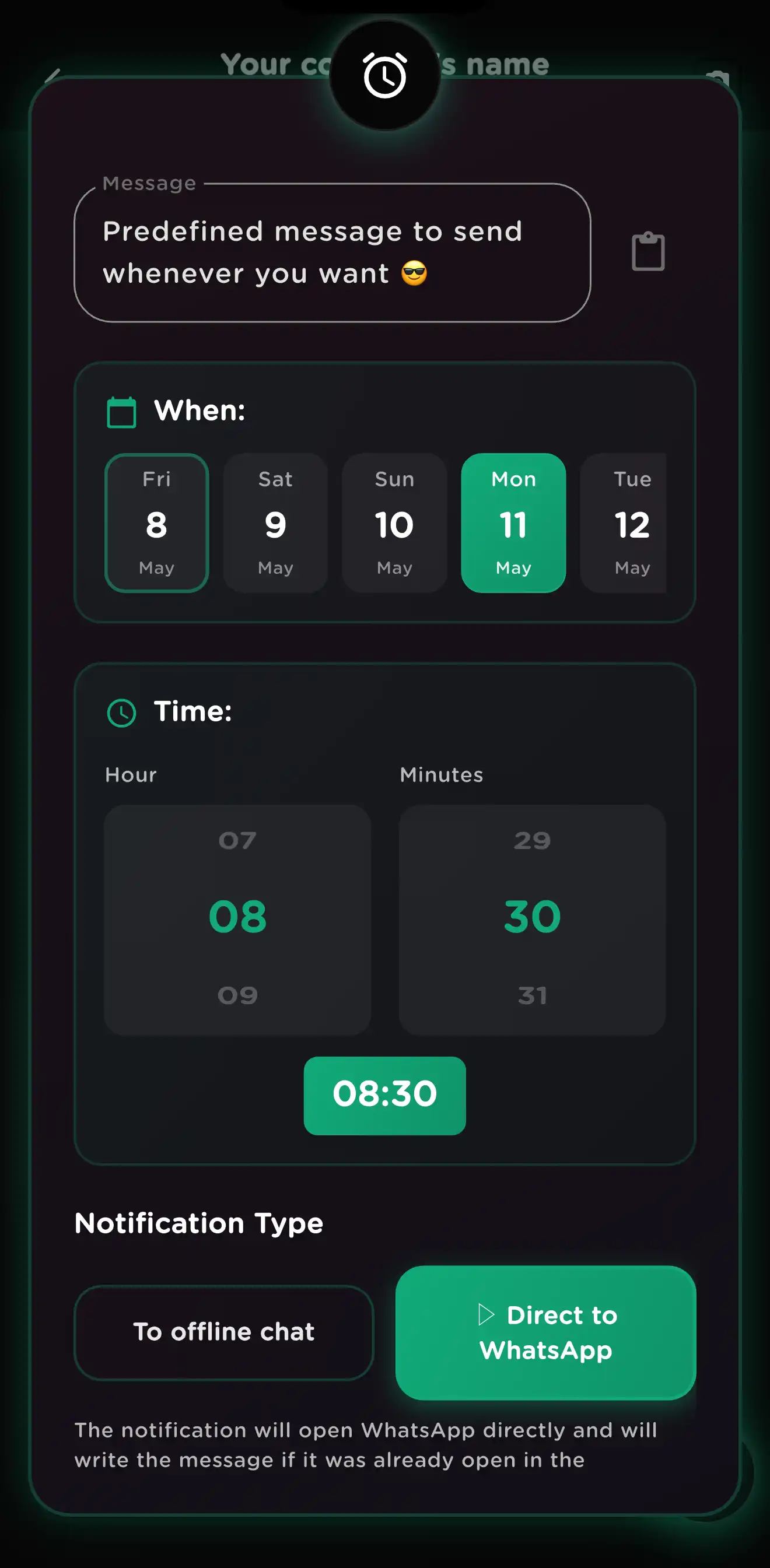
Save preloaded messages and send them whenever you want Schedule a push notification for each message. When it fires, tap it to write the message directly in that WhatsApp contact. 100% offline, no API, no risk of WhatsApp bans. Nothing is stored in the cloud β€” everything stays on your phone.

Push Notifications 100% Offline No Data to Servers Permanent Notifications
Your data stays on your device
Works without internet
27 Languages
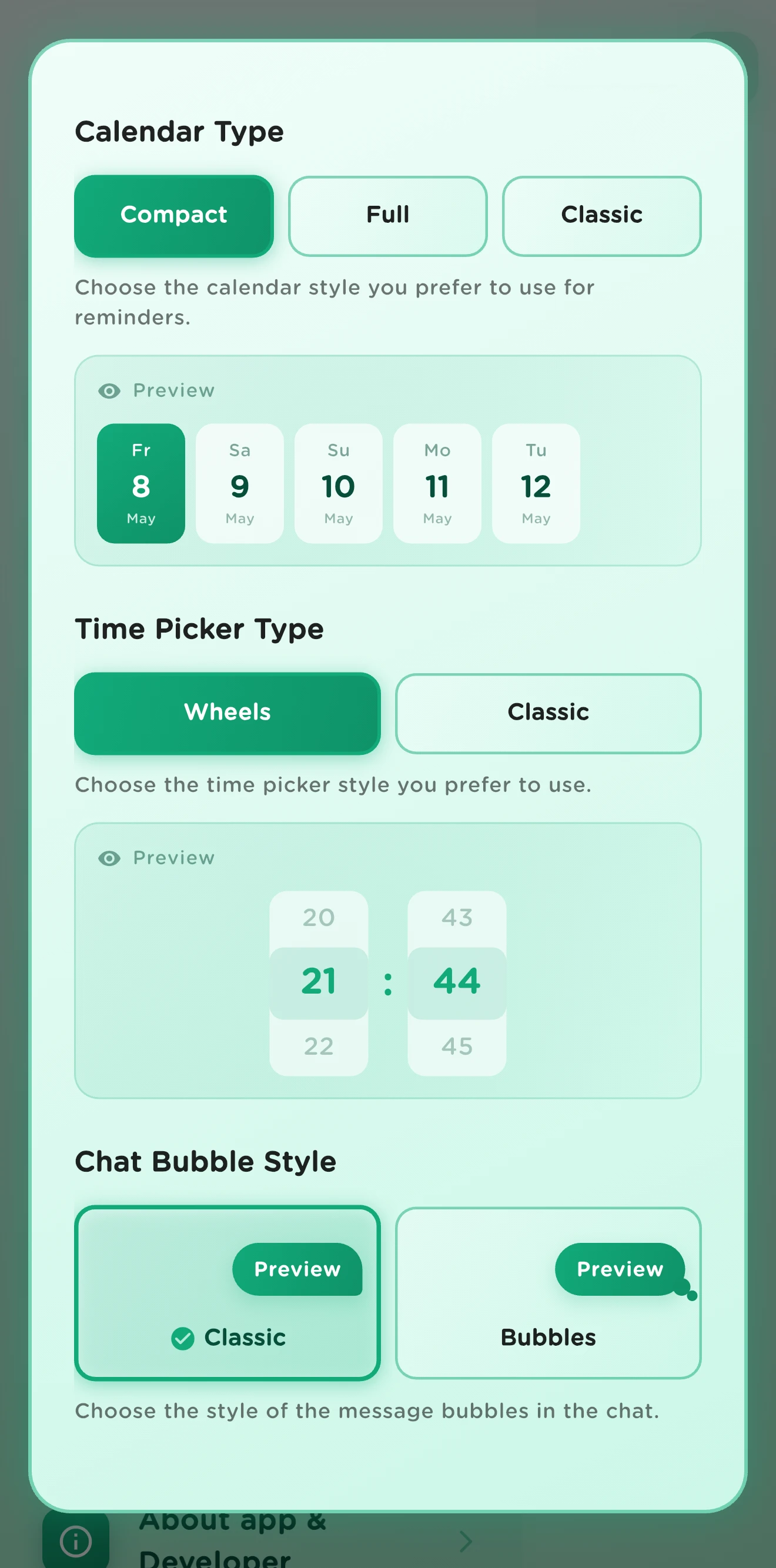
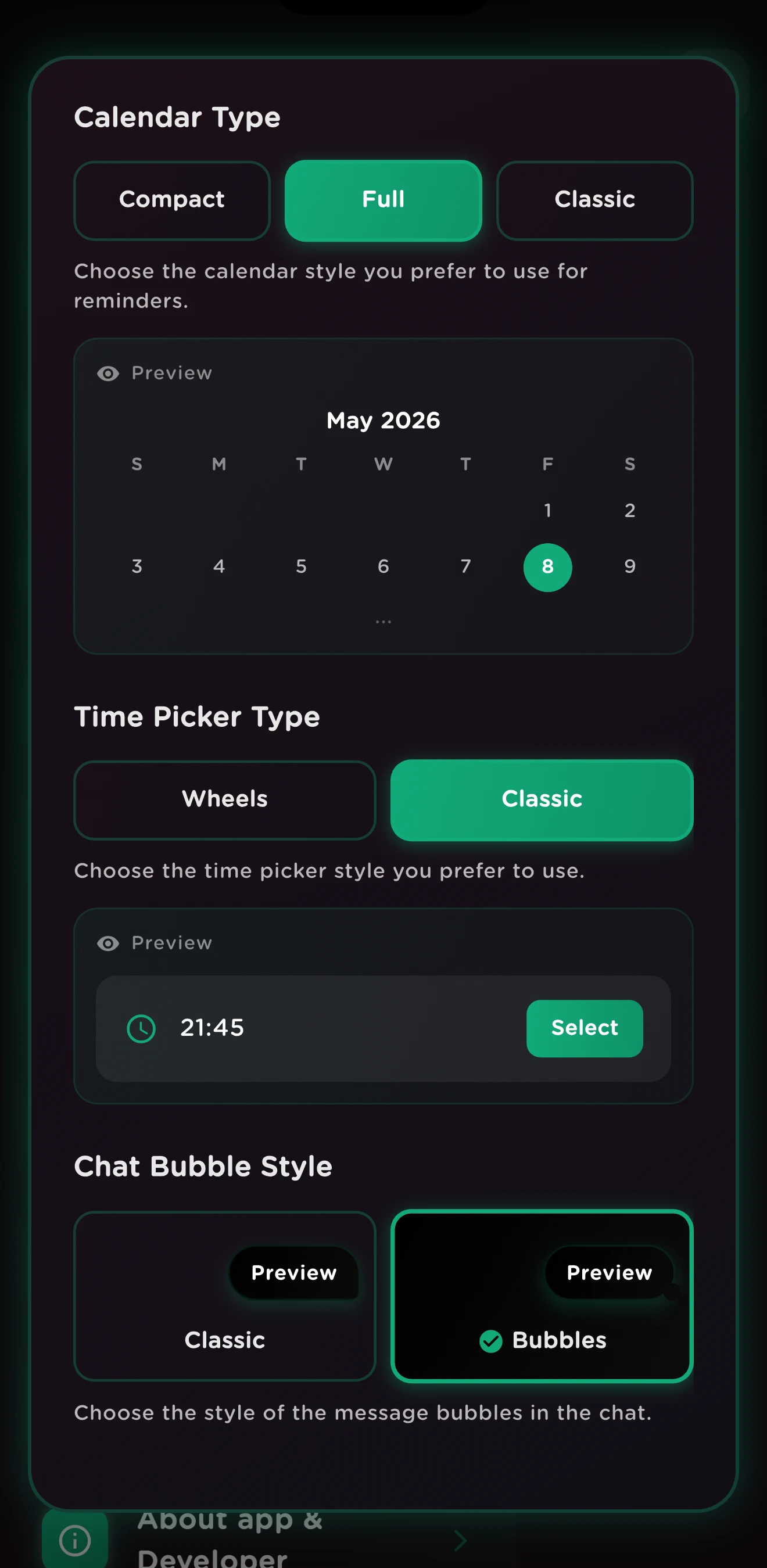
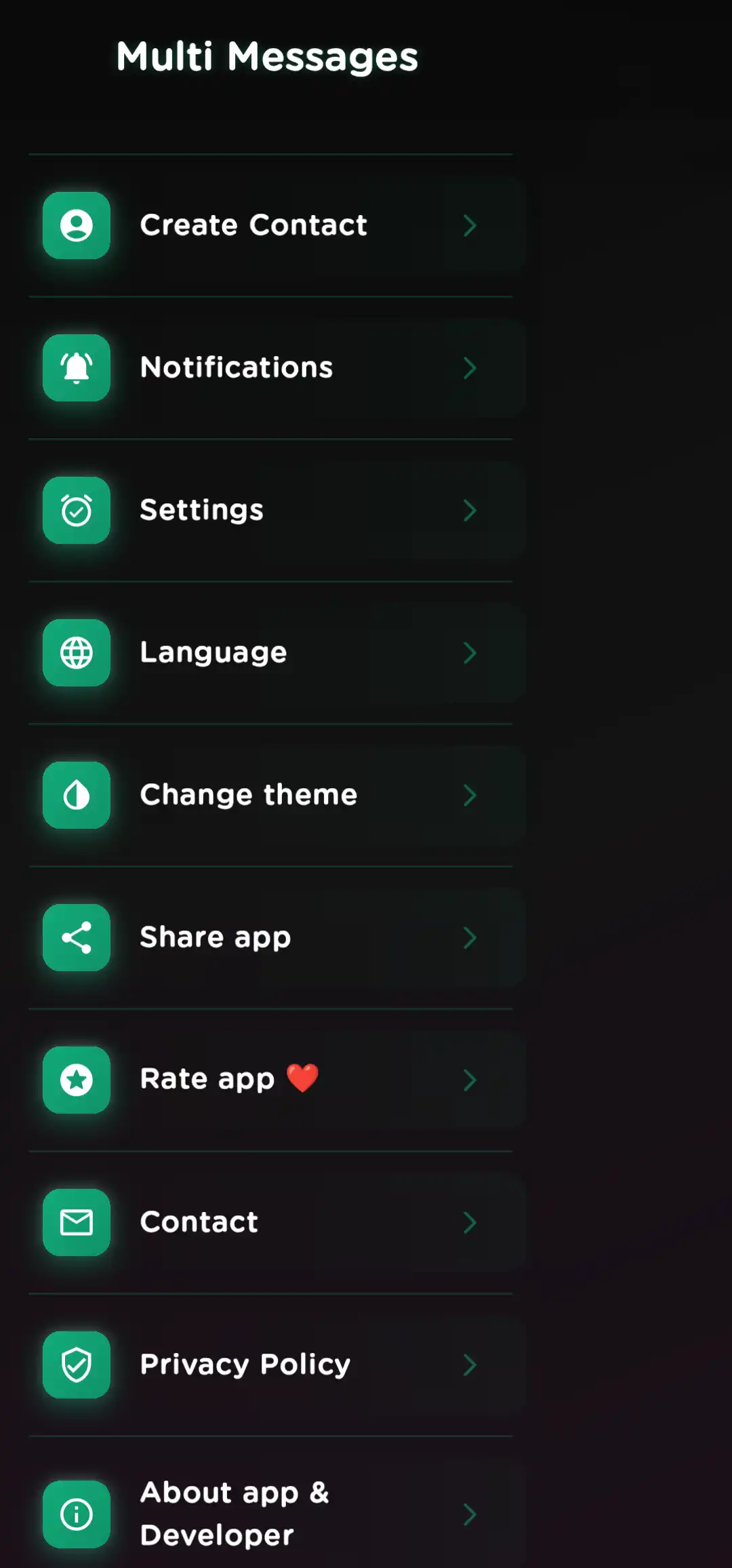
Multi Messages App Interface Multi Messages App Features
Discover More

How Multi Messages Works

Three simple steps to remember your messages

1

Save Your Messages

Create and save preloaded messages. Build your personal library of texts for any occasion.

2

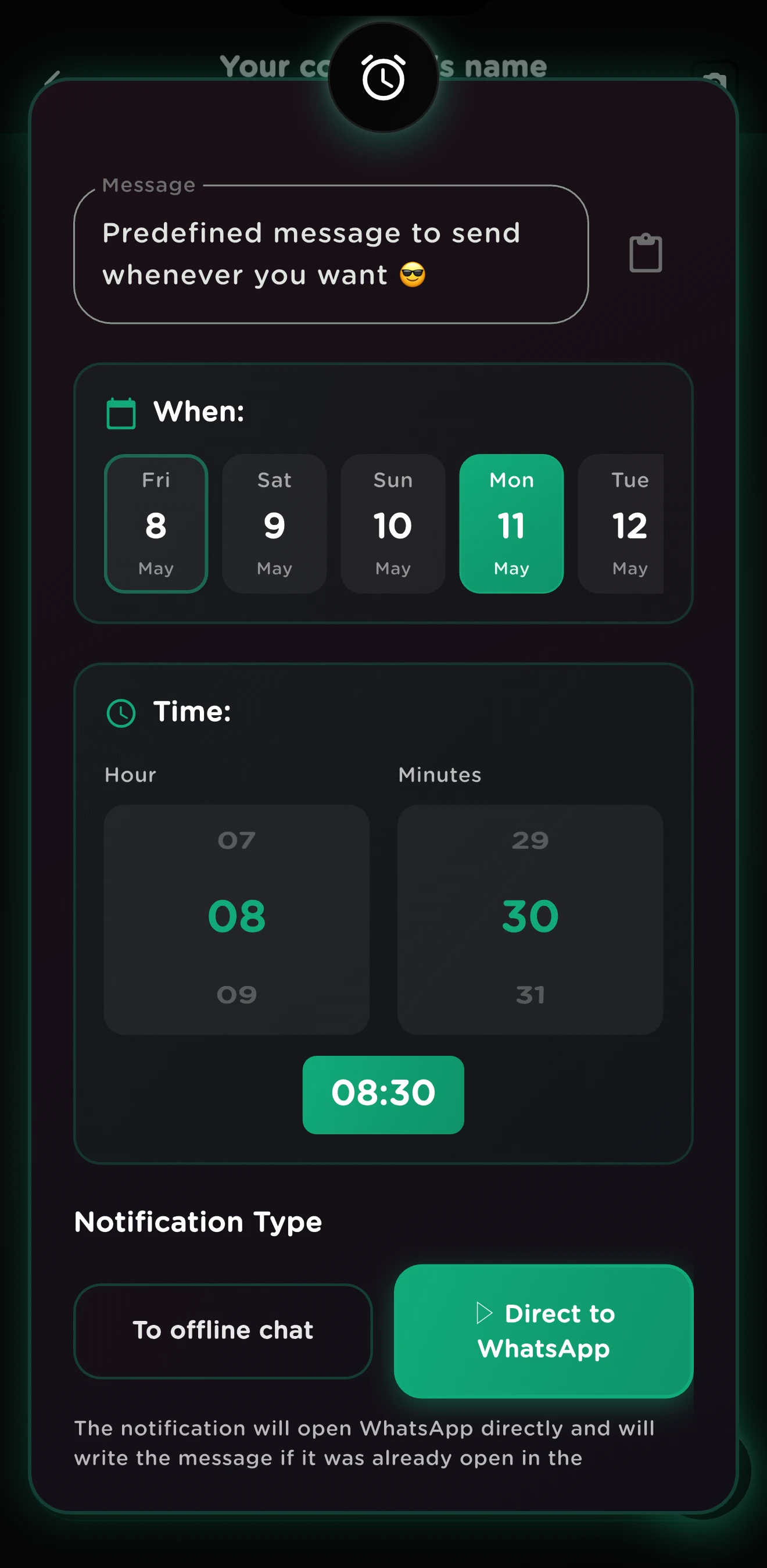
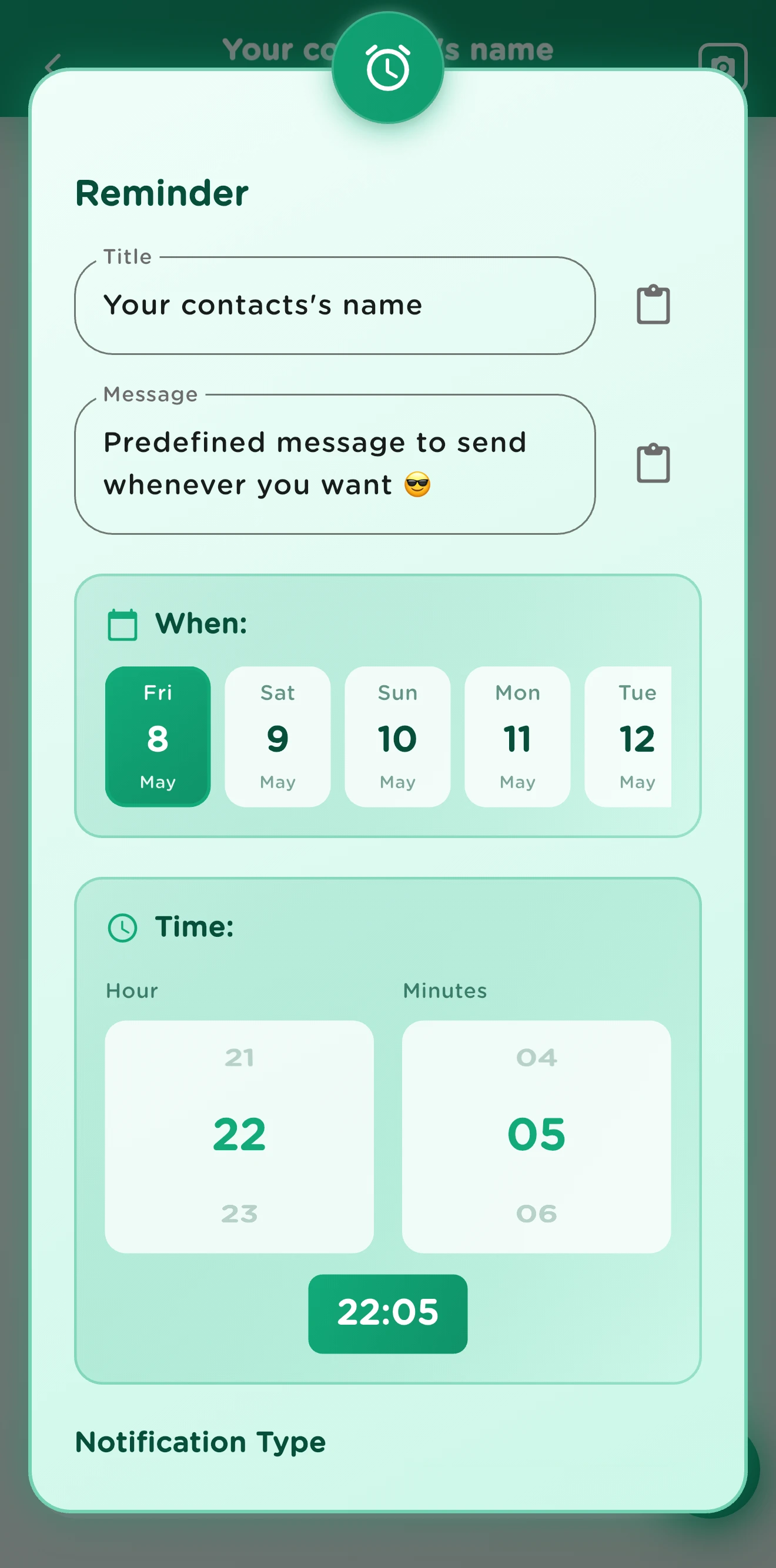
Schedule a Notification

Set a push notification for each message. Enable permanent notifications so they can't be missed β€” max priority.

3

Tap & Send

When the notification fires, tap it. The app opens WhatsApp with your message ready to send to that contact.

Why Users Love It

Real reasons to try Multi Messages

Automated Reminders

Never miss a birthday, anniversary, or important date again. Schedule your messages once and stop worrying.

Work & Productivity

Ideal for follow-ups with clients, teams, or recurring business communications. Save time every week.

Beautiful & Simple

Clean interface, dark theme, and intuitive design. Works with WhatsApp, Telegram, SMS, and more.

See what users are saying on Google Play and the App Store.

Unique Features

Everything you need to remember and send your messages

Smart Reminders

Set a push notification for every message you save. When it fires, one tap writes your text straight into the WhatsApp chat β€” no API needed, zero ban risk.

Click to Chat

Start a WhatsApp conversation with any phone number β€” no need to save it first. Generate shareable chat links in seconds.

Full Message History

Browse every message you've saved and sent in a clean timeline. Easily find, reuse, or reschedule past texts at a glance.

Offline Contacts

Add contacts directly inside the app without syncing your phonebook. Create an offline contact in seconds and start messaging right away.

Cross-Platform Sharing

Send your saved messages to WhatsApp, Telegram, SMS, email, or any app that accepts text. One message, every platform.

Permanent Notifications

Pin a reminder that stays on your screen until you act on it. Maximum priority ensures you never overlook an important message.

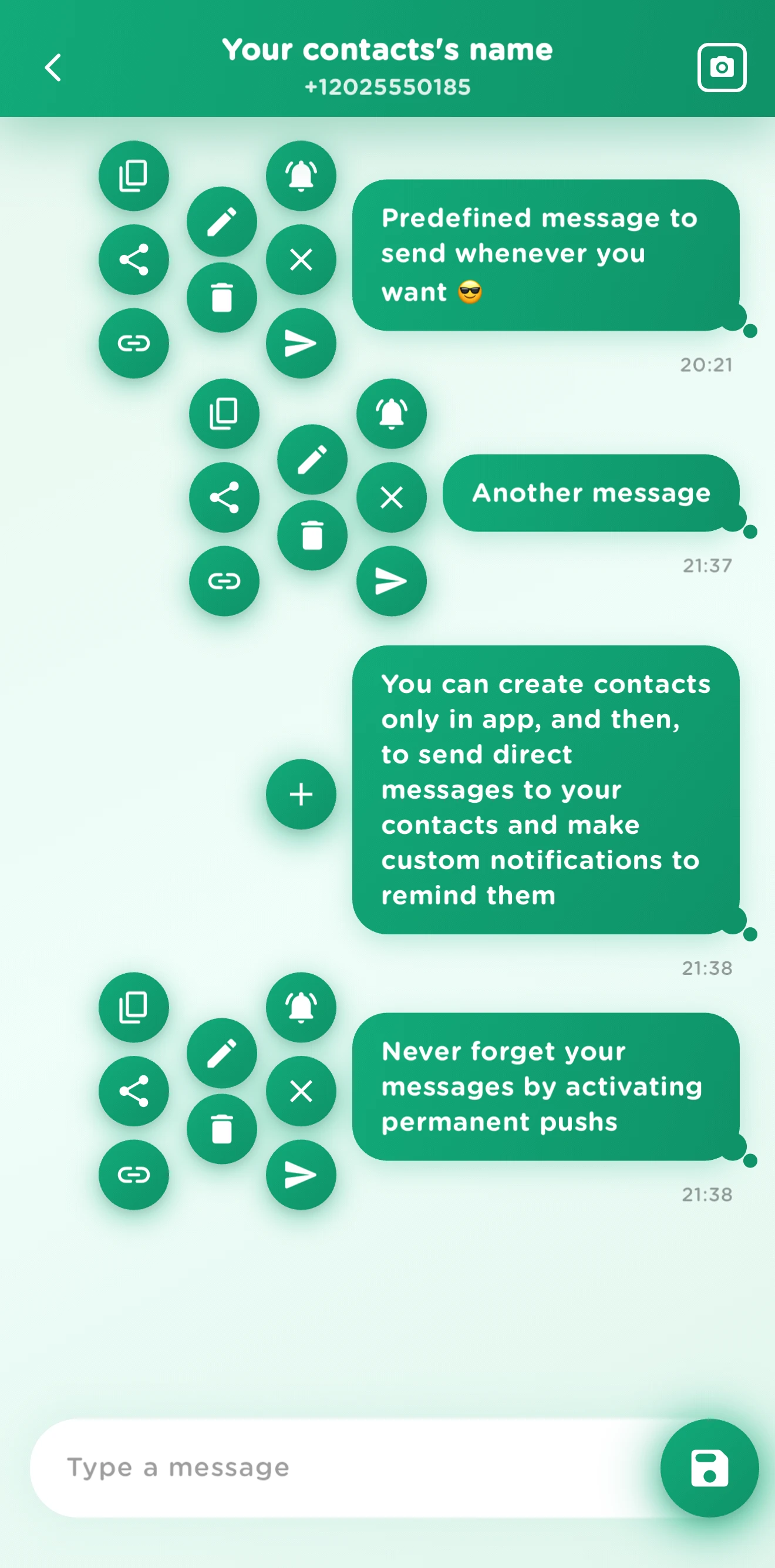
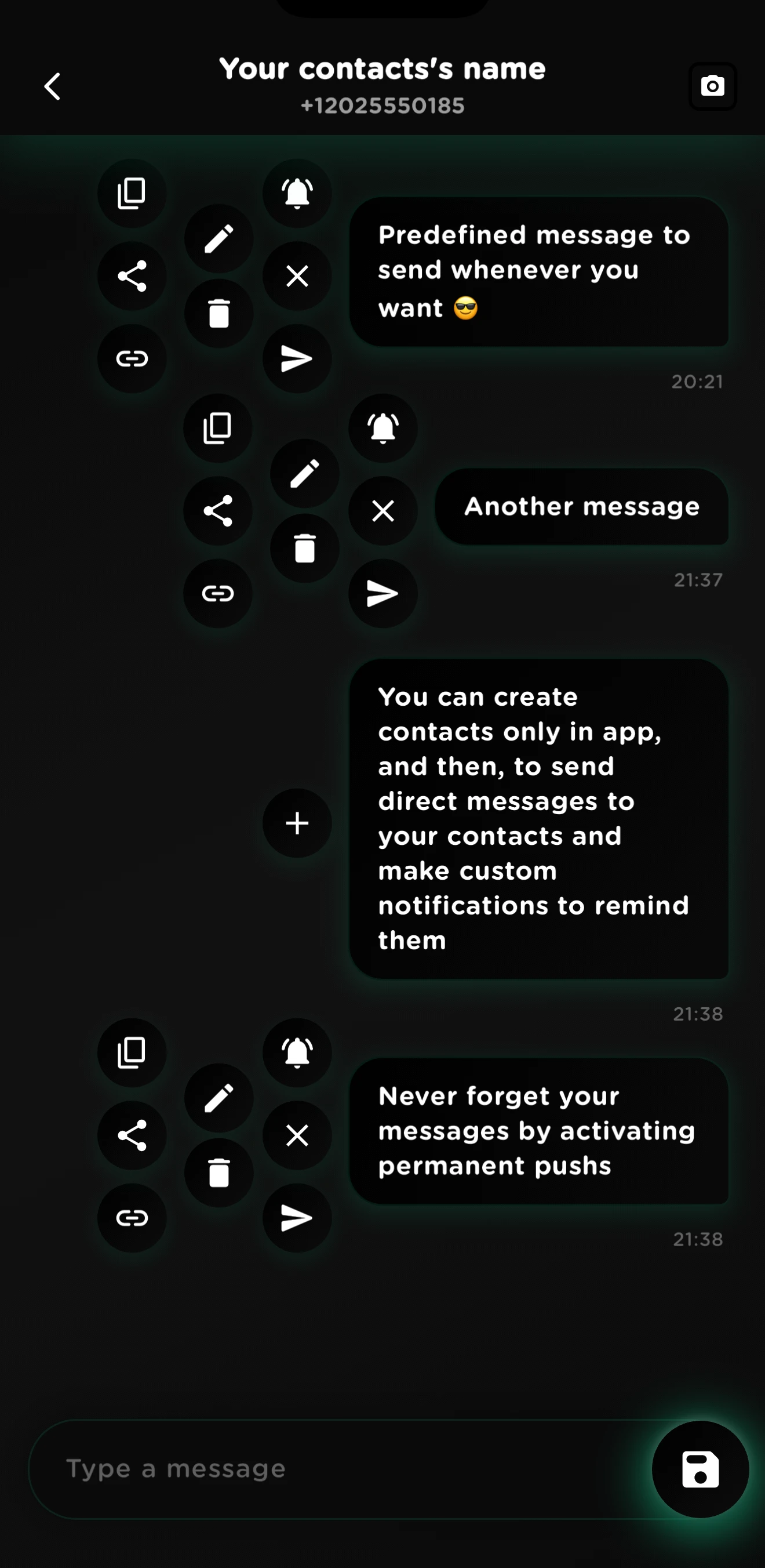
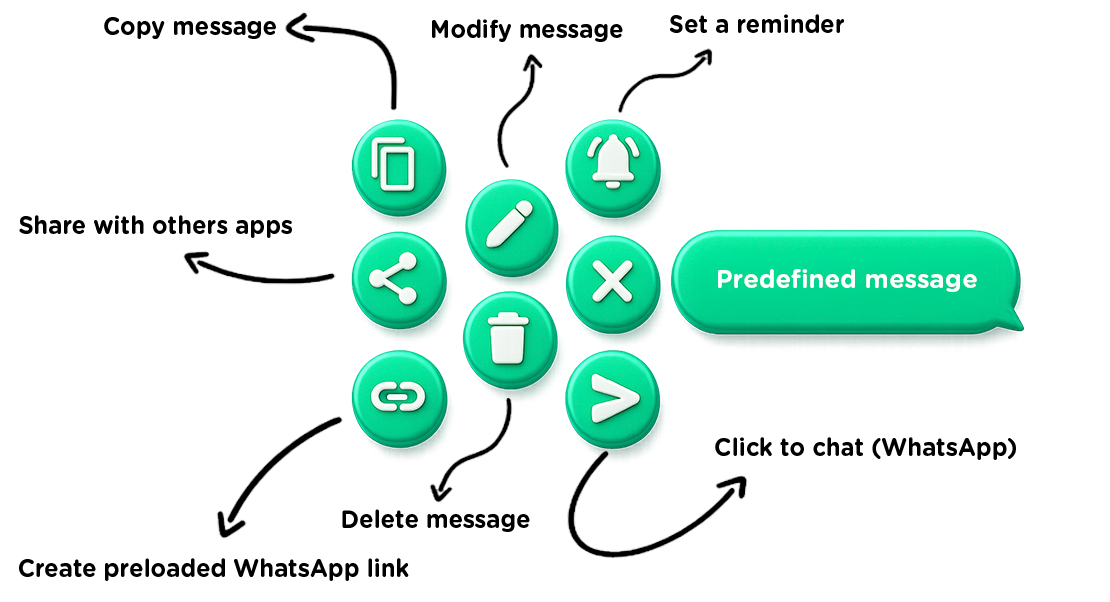
With each message you can

Multi Messages predefined message actions

Perfect For These Situations

Real-world scenarios where Multi Messages shines

πŸŽ‚

Birthday Reminders

Schedule yearly birthday messages for family and friends. The app reminds you every year so you're always the first to say "Happy Birthday!"

πŸ’Ό

Business Follow-ups

Automate client follow-ups, meeting confirmations, and weekly status updates. Keep your professional communication on time, every time.

πŸ’Š

Health & Wellness

Set daily medication alerts, doctor appointment reminders, or workout check-ins with your trainer. Your health routine, always on track.

❀️

Personal Messages

Automate daily "good morning" texts, anniversary surprises, or weekly check-ins with loved ones. Show you care without the mental load.

Download Multi Messages

Available on Android and iOS

Android

Free with Ads
  • 100% Offline β€” No internet required
  • Push notifications & permanent reminders
  • Your data never leaves your device
  • Click to chat WhatsApp
  • 27 languages & dark theme
iOS

Free with Ads
  • 100% Offline β€” No internet required
  • Push notifications & reminders
  • Your data never leaves your device
  • iPhone, iPad & Mac support
  • 27 languages & dark theme

Frequently Asked Questions

Everything you need to know about Multi Messages

Save your preloaded messages, set push notification reminders, and when the notification fires, tap it to send your message directly to WhatsApp, Telegram, SMS, or any messaging app. Everything is offline and private.
Yes! With the Click to Chat feature, you can open a WhatsApp chat with any number without saving it to your contacts first. You can also create WhatsApp links easily.
Permanent notifications stay visible until you dismiss them. They have max priority, so they can't be overlooked. Activate this option for any reminder and never miss sending an important message.
Yes! Multi Messages is free to download and use, supported by ads. Enjoy all features including message history, push notifications, permanent reminders, and the beautiful dark theme.

100% Offline β€’ Your data never leaves your device