How Multi Messages Works
Three simple steps to remember your messages
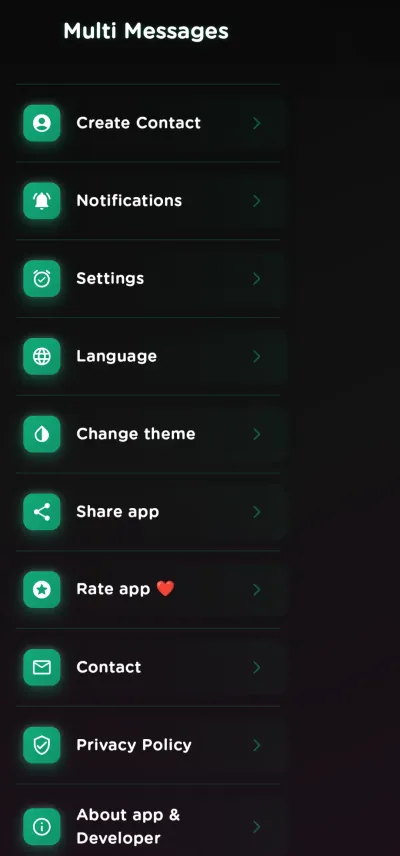
Save Your Messages
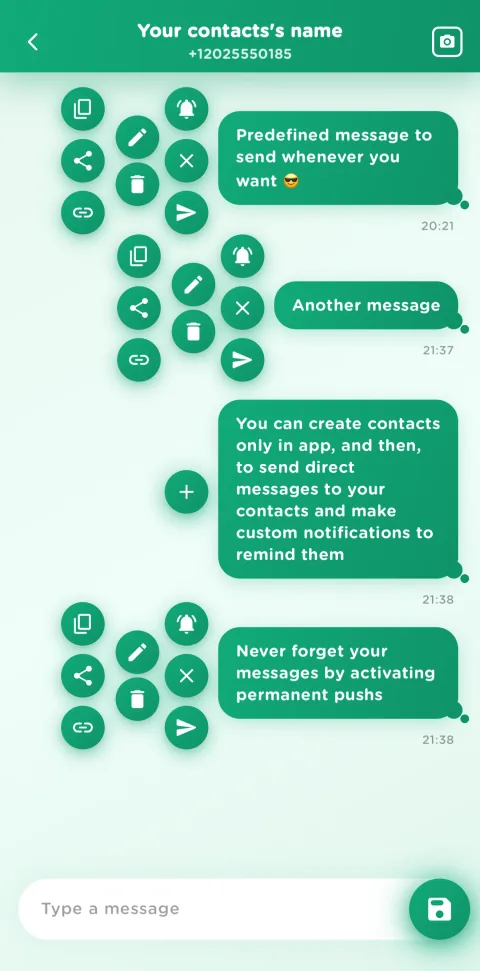
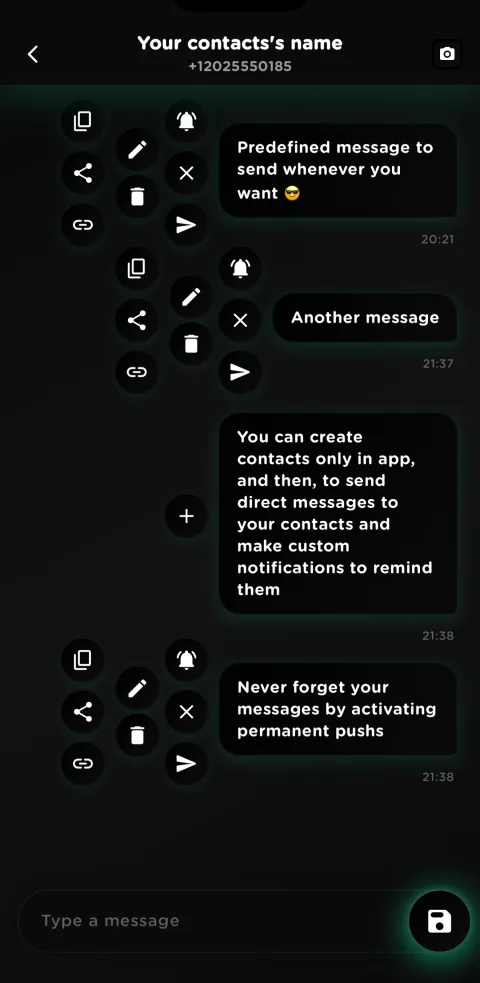
Create and save preloaded messages. Build your personal library of texts for any occasion.
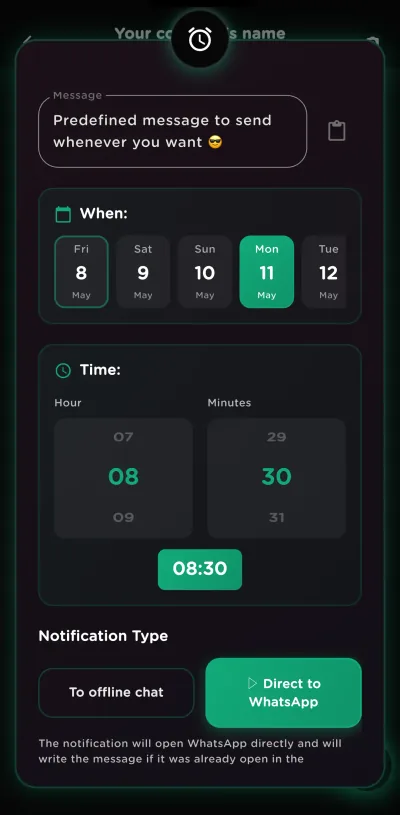
Schedule a Notification
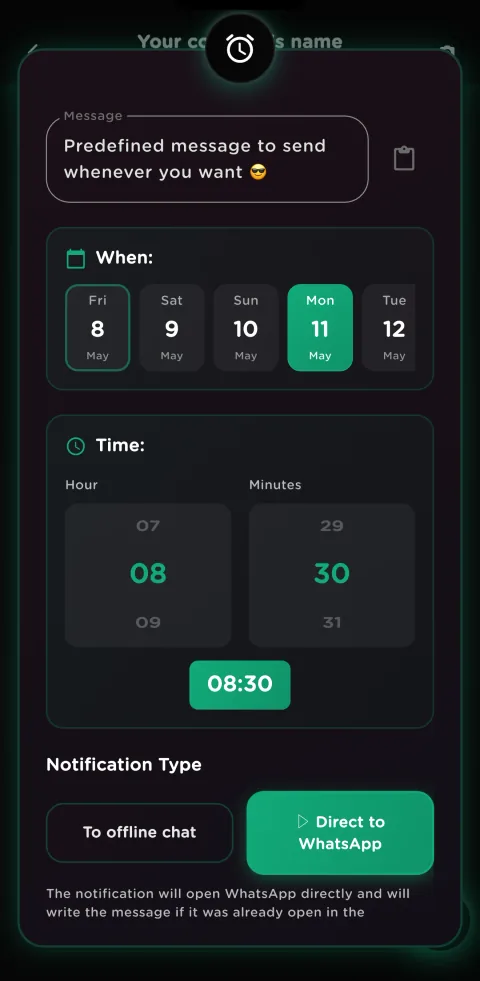
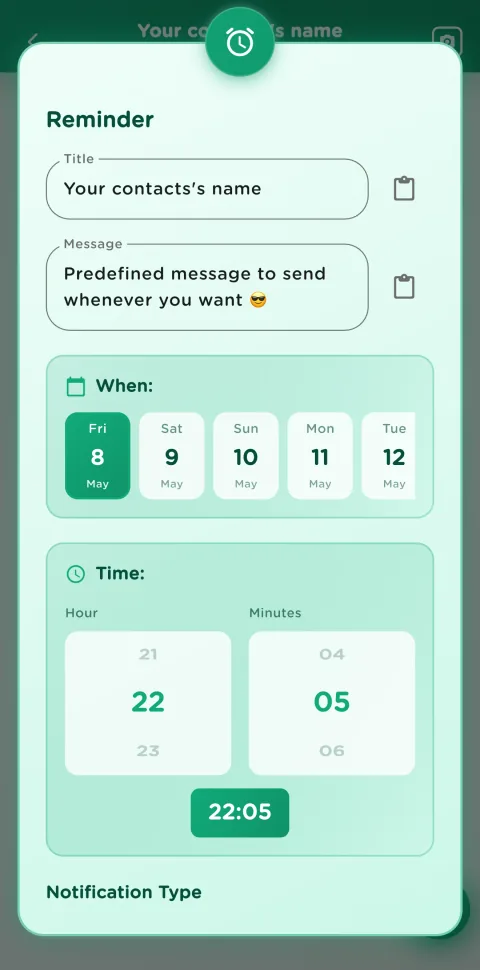
Set a push notification for each message. Enable permanent notifications so they can't be missed - max priority.
Tap & Send
When the notification fires, tap it. The app opens WhatsApp with your message ready to send to that contact.
Multi Messages in one minute
Create contacts, save messages and schedule reminders. Watch the whole flow in a short video.
Your chats. Now on the web.
Scan a QR code and pick up your chats on another device.
- 1Open
- 2Scan
- 3Use
- No uploads
- Offline after the first visit
- Temporary session
How to connect your devices
In the app. Open “Chats on the web with QR” and choose your chats.
On the other device. Open the reader on the device receiving your chats and scan the animated QR. Without a camera, you can upload the image or paste the copied transfer.
When you’re done. Export your changes to bring them back to the app. Chats stay in memory for the session; files you export are kept.
Unique Features
Everything you need to remember and send your messages
Smart Reminders
Set a notification for every message you save. When it appears, tap to open your prepared text in WhatsApp, review it and press Send yourself—without automating your account.
Click to Chat
Start a WhatsApp conversation with any phone number - no need to save it first. Generate shareable chat links in seconds.
Full Message History
Browse every message you've saved and sent in a clean timeline. Easily find, reuse, or reschedule past texts at a glance.
Offline Contacts
Add contacts directly inside the app without syncing your phonebook. Create an offline contact in seconds and start messaging right away.
Cross-Platform Sharing
Send your saved messages to WhatsApp, Telegram, SMS, email, or any app that accepts text. One message, every platform.
Permanent Notifications
Pin a reminder that stays on your screen until you act on it. Maximum priority ensures you never overlook an important message.
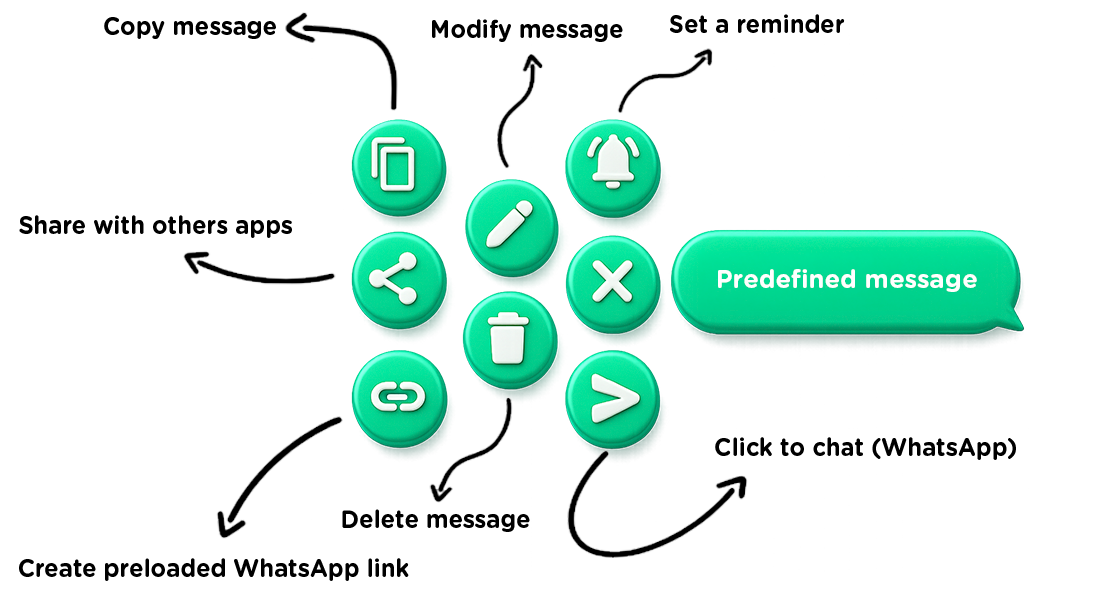
With each message you can
See Multi Messages in action
Manage, share and schedule your messages. Choose a demo and explore at your own pace.
Manage Your Messages
Create, edit, and organize multiple pre-filled messages so you can quickly send them to any contact or app. Everything is saved only on your phone: no account, nothing uploaded to a server.
Tap a step to jump to that moment.
Schedule and Remember
Schedule messages to send them at the perfect time. Never miss something important thanks to personalized notifications.
Tap a step to jump to that moment.
Perfect For These Situations
Real-world scenarios where Multi Messages shines
Birthday Reminders
Schedule yearly birthday messages for family and friends. The app reminds you every year so you're always the first to say "Happy Birthday!"
Business Follow-ups
Prepare client follow-ups, meeting confirmations and weekly status updates. Keep professional communication timely without surrendering control.
Health & Wellness
Set daily medication alerts, doctor appointment reminders, or workout check-ins with your trainer. Your health routine, always on track.
Personal Messages
Prepare “good morning” texts, anniversary notes or weekly check-ins with loved ones. Remember to show you care without the mental load.
See the app in action
A clean and simple experience designed to save time.
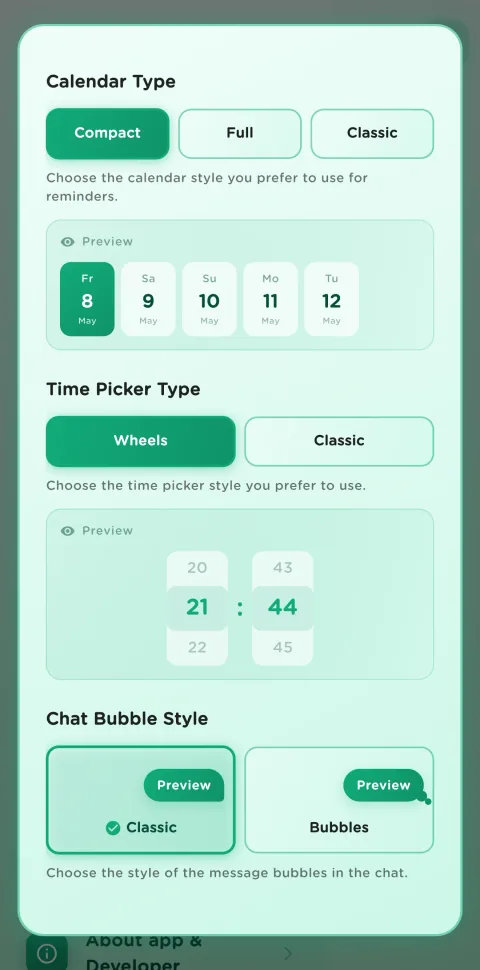
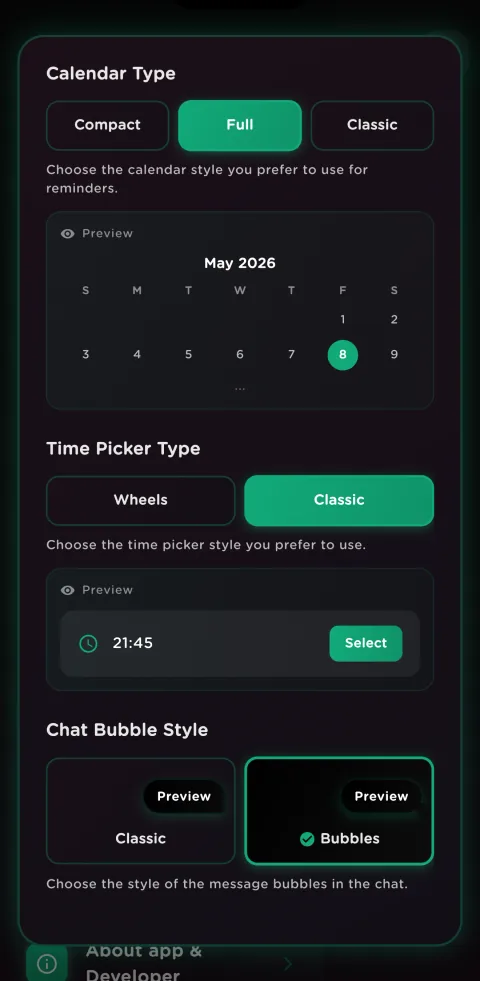
Download Multi Messages
Available on Android and iOS
Android
Requires Android 8.0+
- Private keyboard with 3 reply ideas Coming soon
- On-device AI where supported + offline fallback Coming soon
- Push notifications & permanent reminders
- Click to chat WhatsApp
- 77 app languages; smart replies in English & Spanish
iOS
Requires iOS 16.0+
- Private keyboard with 3 reply ideas Coming soon
- Apple on-device intelligence where available Coming soon
- Useful without optional Full Access
- Push notifications & message reminders
- 77 app languages; smart replies in English & Spanish
Frequently Asked Questions
Everything you need to know about Multi Messages
Ready to remember every message and reply smarter?
Download free, prepare your messages and send them when you choose.